
How Console Commands Shape the Visual Experience of Competitive Shooters
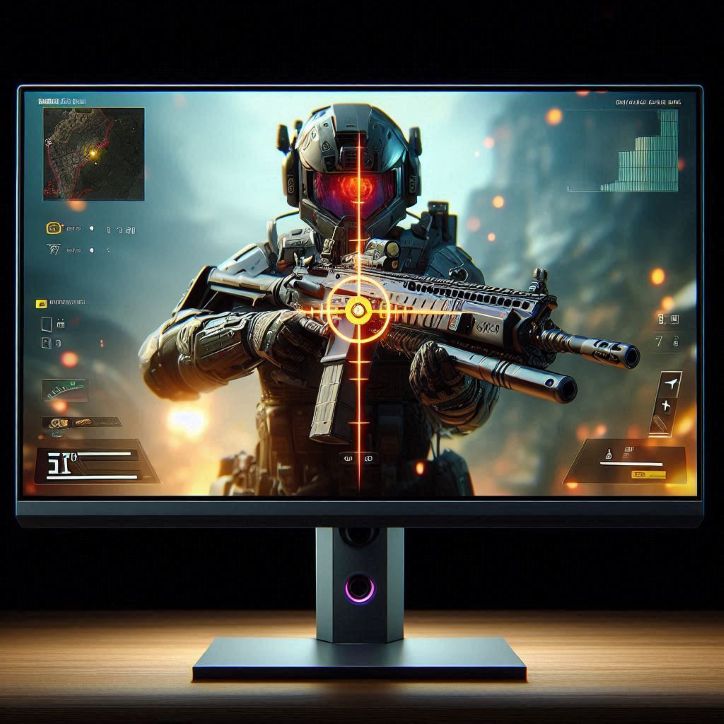
Competitive shooters process visual information in milliseconds, and even the smallest clarity advantage can decide a round. Professional players know this well. They do not just rely on aim or reflexes, they fine-tune how the game looks on their screen.
That is where counter strike console commands come in. These hidden tools allow players to tweak crosshairs, radar size, view models, and more. Valve itself has supported console access for years, and developers have explained in official documentation that these commands are meant to give players control over their experience. Over time, communities have built entire guides around these tweaks, turning them into a quiet competitive edge.
Small Changes, Big Impact on Visual Clarity
At first glance, changing a crosshair color or radar scale sounds trivial. It is not. Anyone who has tried playing on a cluttered screen knows how distracting default settings can be.
Take crosshairs. Many default designs are bulky or too bright. Players often switch to smaller, static designs with high contrast colors. It sounds simple, but it reduces visual noise. You see the enemy faster, your brain reacts quicker, and suddenly your aim feels sharper.
Research in human-computer interaction from organizations like the Interaction Design Foundation shows that reducing visual clutter improves task performance. In fast-paced shooters, that principle hits hard. Every pixel matters.
Then there is the radar. Competitive players often scale it down or adjust its zoom. Why? Because a well-tuned radar lets you read the map in one glance. No second guessing. No wasted time.
The Quiet Power of UI Customization
User interface customization is one of those things casual players ignore. Pros obsess over it. And honestly, once you start tweaking, you cannot go back.
I remember trying a pro player’s config for the first time. The game looked… weird. Minimal. Almost empty. But after a few matches, everything felt clearer. My eyes stopped wandering. My focus locked in.
That is the goal. Remove distractions. Highlight what matters.
Experts in esports performance, including analysts from ESL Gaming, often point out that awareness wins rounds more often than raw aim. A clean UI helps players track movement, spot enemies, and react faster under pressure. But visuals are only part of the equation. Elements like sound cues and music also shape how players process information, as explored in discussions around game audio design elements. Together, these layers create a clearer, more responsive experience.
Console-based tweaks make this possible. You can adjust how weapons appear on screen, reposition HUD elements, and even control visual effects like motion blur or weapon sway. Each change chips away at unnecessary detail.
Why Advanced Players Rely on Commands
Here is the honest truth. The settings menu barely scratches the surface. Advanced players dive into command lines because that is where the real control lives. You can fine-tune values that are not even exposed in standard menus. It feels a bit like opening the hood of a car instead of just adjusting the seat.
Professional players like Oleksandr “s1mple” Kostyliev have shared their configs publicly, and fans often notice how customized everything is. Crosshair thickness, viewmodel positioning, even bobbing effects are adjusted to personal preference. These are not random choices. They are tested over hundreds of hours.
Data from platforms like HLTV.org shows that top players frequently update their settings. That tells you something. Optimization is ongoing. There is no perfect setup, only the one that fits your playstyle today.
And yes, there is a bit of ritual to it. Some players swear their aim feels off if one value changes. Superstition? Maybe. But confidence plays a role in performance, and familiar visuals help build that confidence.
Visual Simplicity and Reaction Speed
Fast reaction time depends on how quickly your brain processes what you see. Clean visuals reduce the time it takes to identify targets.
Studies in cognitive psychology, including work published by the American Psychological Association, suggest that simplified visual environments improve decision-making speed. In shooters, that translates directly to better performance.
This is why many competitive players disable extra effects. Shadows, particles, fancy animations, they might look great, but they can obscure enemies or delay recognition.
Console tweaks allow you to strip the game down to its essentials. It is almost like turning a cinematic experience into a tactical tool. Less spectacle, more function.
The Culture Behind Command Tweaks
There is also a cultural side to all this. Sharing configs, experimenting with settings, debating the “best” crosshair, it is part of the community. Forums, Discord servers, and Reddit threads are full of players swapping command-line tweaks and config files. Some swear by ultra-minimal setups. Others prefer a bit of visual flair. There is no single right answer, and that is part of the fun.
It reminds me of tuning a musical instrument. Two players can use the same base settings and still sound completely different in-game. Personal preference shapes everything.
Conclusion
Console commands are more than hidden features. They are tools for shaping how a game feels and how a player performs. From crosshair adjustments to radar scaling and deeper command-line tweaks, these settings redefine the visual experience. They reduce clutter, sharpen focus, and give players control over every detail on screen.
That is why experienced players keep coming back to these advanced configurations. Whether you call them command-line tweaks, developer console settings, or custom configs, they offer something powerful. Control. And in competitive shooters, control often means the difference between reacting late and landing the shot first.


